A few weeks back I wrote about moving this site to Hugo. One of the things I built alongside it was a small PWA — a photo upload tool that let me post directly to the site from my phone without touching a laptop. It worked, but it only did one thing.
Then, as ideas tend to do, it grew.
What it does now#
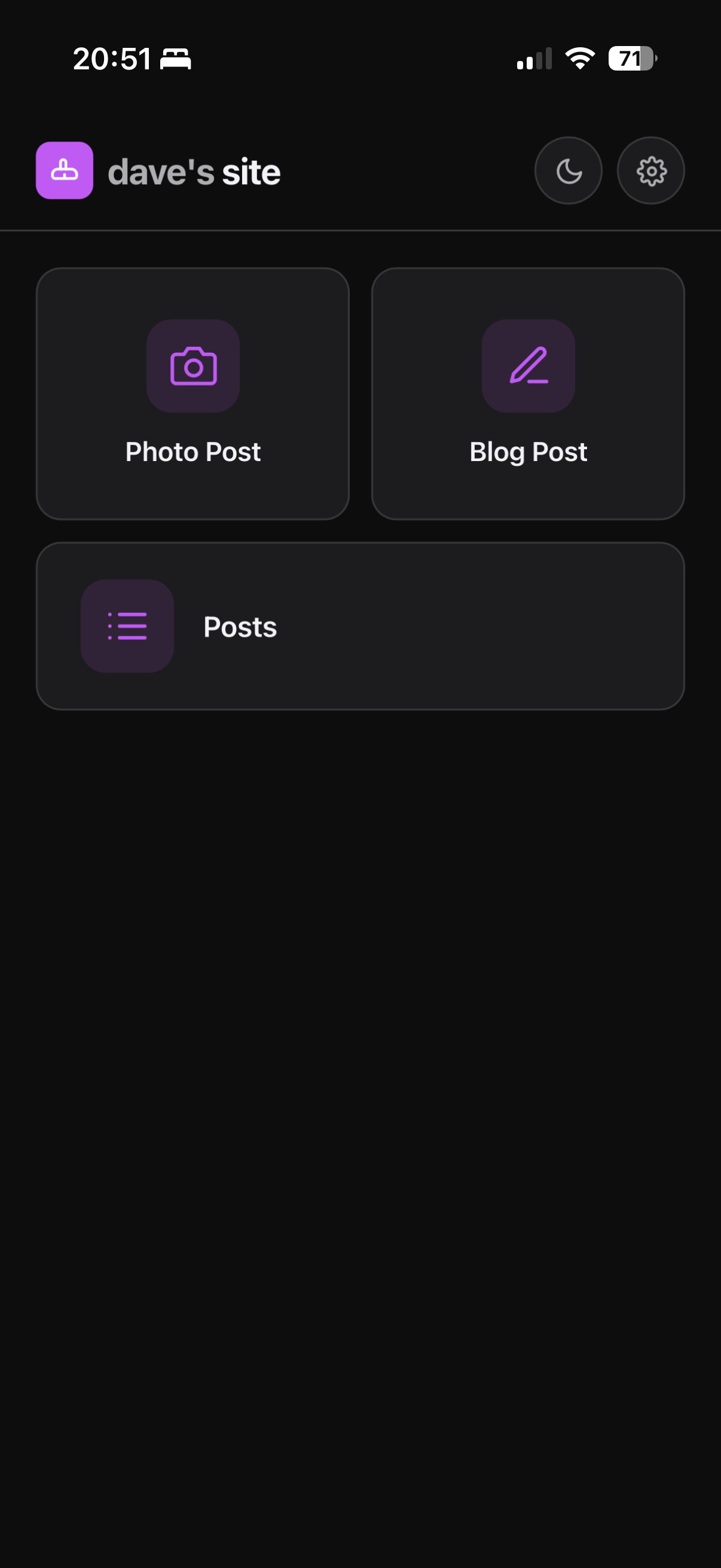
What started as a photo poster is now a full mobile CMS. From an icon on my home screen I can:
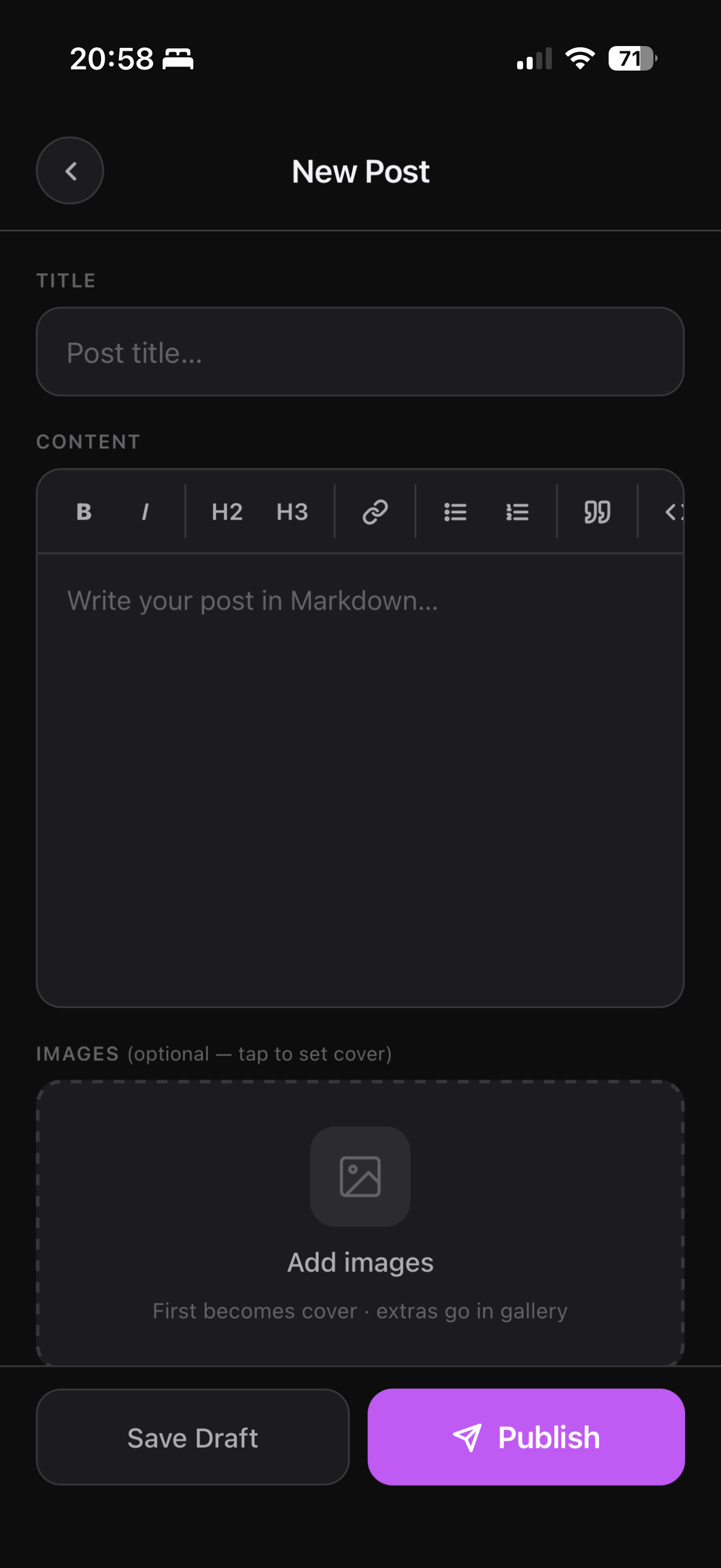
- Write and publish blog posts — full markdown editor with a formatting toolbar (bold, italic, headings, links, lists, blockquotes, code) and auto-growing textarea
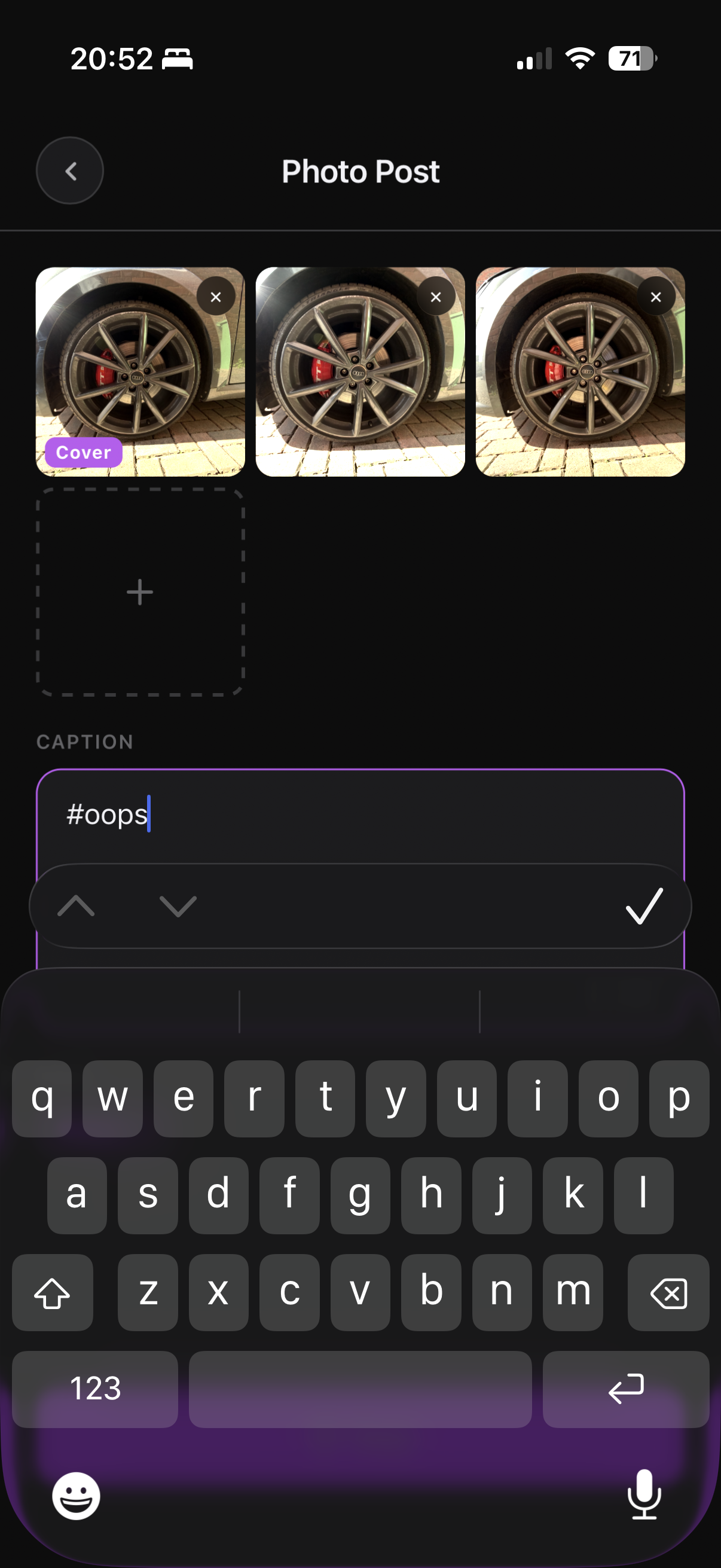
- Manage images — attach photos to a post, tap to set the cover, insert a gallery shortcode at the cursor
- Draft or publish — save as a draft to come back to, or publish straight to the site
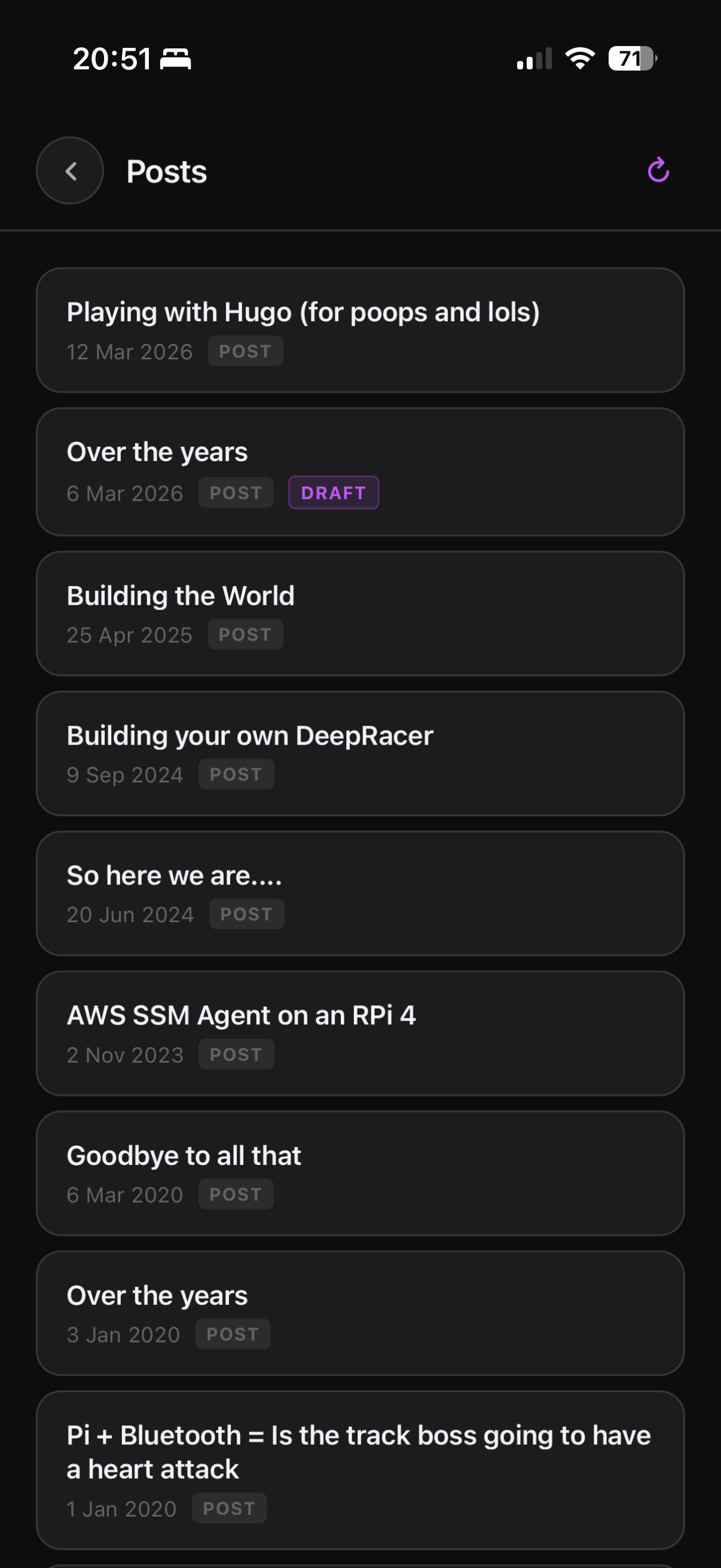
- Browse and edit existing posts — a post list pulls from the GitHub API, tap any post to load it back into the editor
- Tag suggestions — tags from existing posts are cached locally and offered as suggestions as you type, which helps avoid ending up with near-duplicate tags
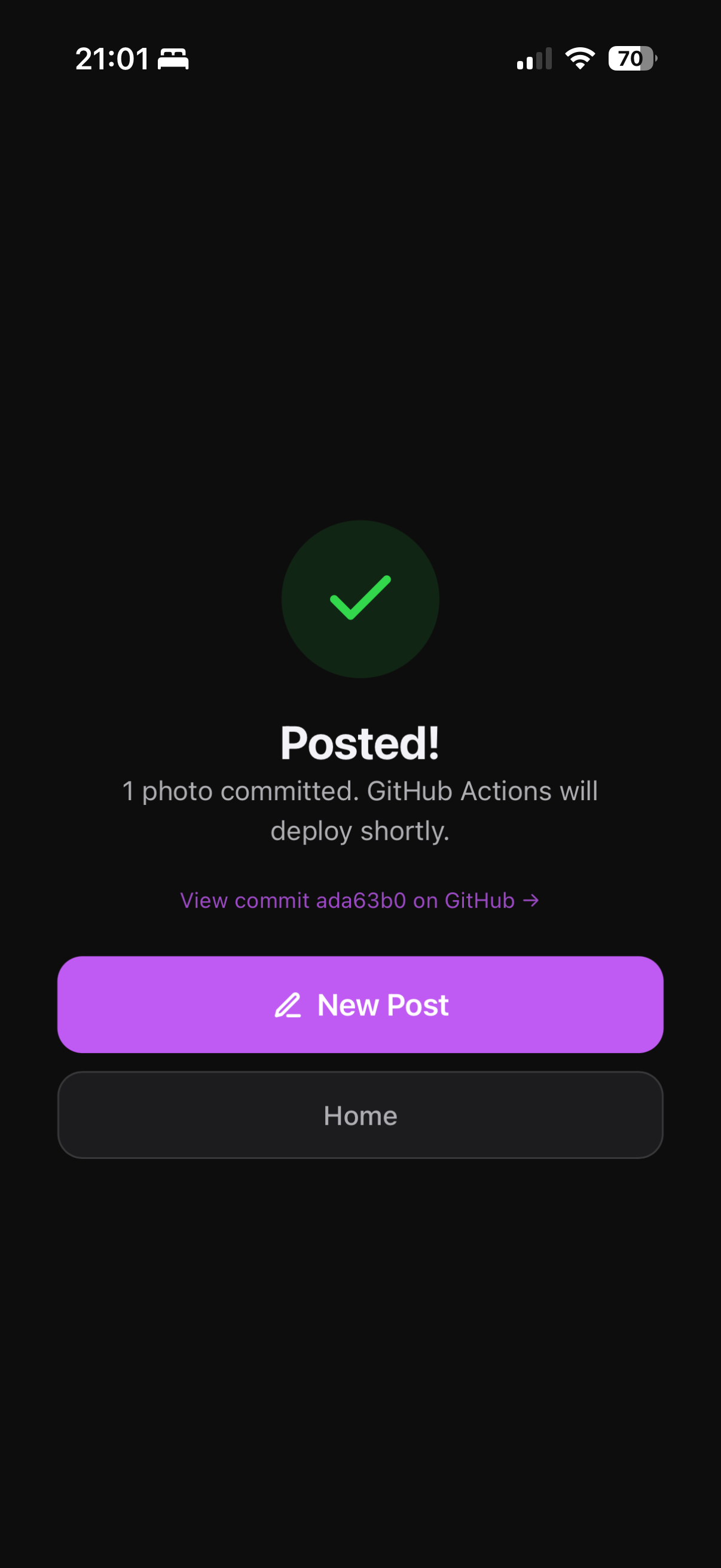
Everything still goes via the GitHub API — no server, no database, just commits.
Light and dark mode#
The original app was dark-only. It now follows your system preference automatically, with a manual toggle if you want to override it. Small thing, but it makes a difference when you’re writing in daylight.
Offline support#
The more interesting addition. The app shell was already cached by the service worker, but any actual posting required a network connection. Now:
- The post list is cached in localStorage after each fetch — open the app offline and you still see your posts
- If you write a post offline, it gets queued locally rather than failing
- When you come back online the queue syncs automatically — or there’s a “Sync now” button on the home screen if you want to trigger it manually
- If the images are too large for the storage quota, the text is saved and you’re told the images need re-adding
It’s not a full offline-first app, but it covers the realistic use case of being somewhere with no signal and wanting to jot something down.
The icon#
The original icon was a camera, which made sense when it only posted photos. It’s now a pencil — more honest about what the thing actually does.
The app lives at /photo-poster/ if you want to take a look — though you’ll need your own GitHub token and repo to do anything useful with it.