So a morning at the cable park gets me about twenty minutes of footage worth keeping and somewhere around twelve gigabytes of files to go with it, and buried in all of that there are maybe six or seven moments that anyone would actually want to watch. Finding them means sitting scrubbing backwards and forwards through the whole lot on a laptop, which is honestly the bit that puts me off filming in the first place, so over a few evenings I ended up building something to go and find them for me.
The thing that makes it possible is that a GoPro isn’t only recording video, it’s also writing a telemetry track alongside it with GPS, gyroscope and an accelerometer running at 200 samples a second, and all of that has been sitting in every file I’ve ever shot without me paying it the slightest bit of attention. Which is a bit daft when you think about it, because a jump and a landing are about as obvious as anything gets in accelerometer data.
The first useful trick was not to bother with the individual X, Y and Z axes at all and just use the total acceleration instead, because that doesn’t change no matter which way round the camera is pointing. This matters more than you’d think with a chest mount, which sits at whatever angle the harness has pulled it to that day, so anything that cared about which axis was which would need calibrating every single time I strapped the thing on.
My first go at actually finding the airs was to look for freefall, on the basis that when you’re in the air you’re weightless and so the acceleration should drop away towards zero, and a nice obvious dip in the data would mark out each jump. This found four airs in a session that had about thirty in it, which was a fairly clear sign that I’d got it wrong.
The problem is that a cable park isn’t a trampoline. You’re attached to a moving line that’s under tension the entire time you’re in the air, so the acceleration never gets anywhere near zero, it just bottoms out somewhere around 3 to 6 m/s², and what little dip there is gets chopped to pieces by the board chattering across the water on the way in and out. The signal I’d gone looking for barely exists. The landing on the other hand is completely unmistakable — coming down hard shows up as three to eight times the background level and there’s nothing else in a whole session that looks remotely like it — so I flipped the whole thing round to find the landings first because they’re obvious, and then work backwards through the second or so before each one looking for the quiet bit that must have been the air. That one change took it from four airs to thirty.
The other thing it kept finding was me standing on the dock, because strapping the board on and waiting for the previous rider to finish produces some very respectable looking impacts, and on the first session it confidently presented me with several minutes of doing absolutely nothing as session highlights ;-) That one’s fixed with the GPS out of the same telemetry track — if I wasn’t moving at more than walking pace within three seconds either side of a bang then it wasn’t a landing. They don’t get thrown away, just flagged and left out of the rankings so the report can still tell me they happened, and on Tuesday’s session that was 7 events out of 74.
What comes out the other end of one command is a ranked report of every air and impact with airtime, pop and landing force, the highlight clips cut with a second of handle either end, a telemetry overlay to go with each one, flattened previews for sending to people, a joined up reel, a burned in video per ride, and a DaVinci Resolve timeline with the clips already laid out, cross dissolves between them and a stats card on the end.
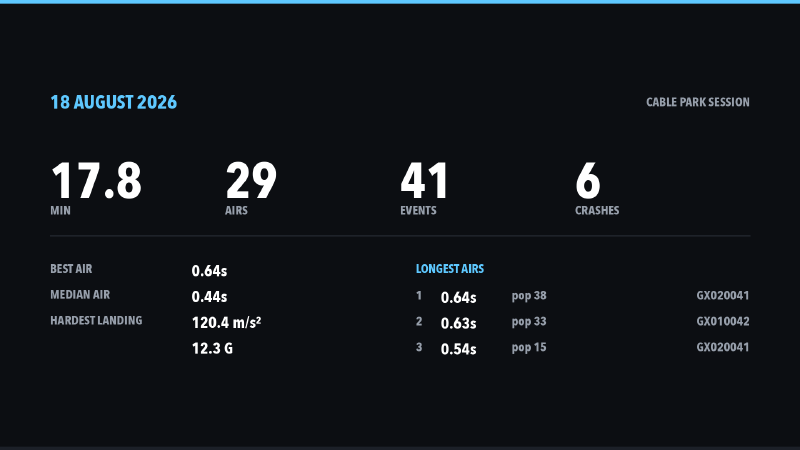
That timeline was easily the most annoying part. Resolve imports FCPXML, which is an Apple format that’s documented right up until the point where you need to know something useful, and I had seven separate goes at it that all imported and all looked almost right — clips drifting out of sync, overlays walking steadily rightwards across the timeline, one attempt where the video just rendered as black. In the end I gave up trying to work it out and instead fixed a single clip by hand in Resolve, exported that timeline straight back out as FCPXML and read what it had written, which is how I found out the position values are a percentage of the frame height and not pixels, so the 180 I’d been carefully passing in meant 180% and was throwing the clip clean off the screen.
The last decision turned out to be more interesting than it had any right to be, which was simply what order to put the highlights in. Sorting by how hard the landing was seemed like the obvious answer, build up gently and finish on the biggest one, except when I actually watched it the reel ended on my two heaviest slams of the day, because the biggest number in a wakeboarding session is nearly always a crash rather than anything I did on purpose. It now ranks the airs by airtime and the impacts by landing force separately, weaves the two together so they climb at the same time, and finishes on the longest air instead.
Every run also logs a summary so I can see how things are going over a few sessions.
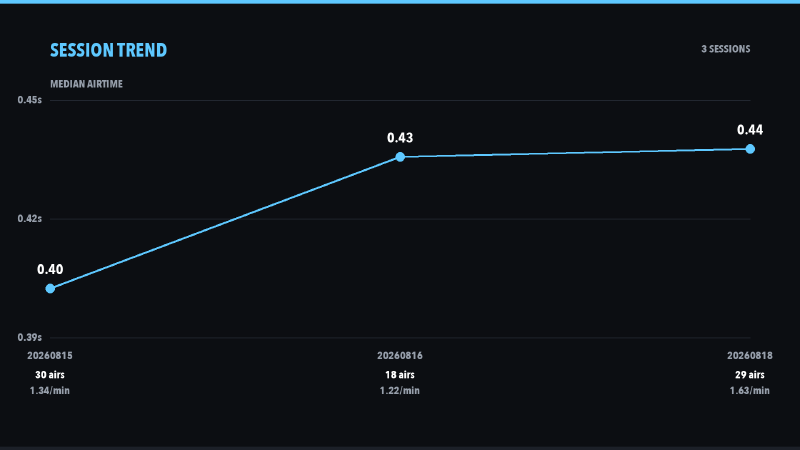
The number I’ve ended up trusting is the median airtime rather than the best one, because one lucky air moves your best and tells you nothing, whereas the median only shifts if the whole session shifted. Mine has gone 0.40s, 0.43s, 0.44s across three sessions while my actual best air has got shorter, so I’m getting more consistent and no higher, which is a considerably less flattering way of looking at it than “personal best” but probably a lot more honest. The session with the most airs per minute was also the one with the most heavy landings, which I suppose I could have worked out for myself.
It also grabs a still out of the footage at the top of every air, and a few more from across the session, which turned out to be less straightforward than it sounds because at 60 frames a second with me moving about a good number of them are a motion blurred mess, so it pulls seven frames from either side of the moment and keeps whichever one is sharpest.
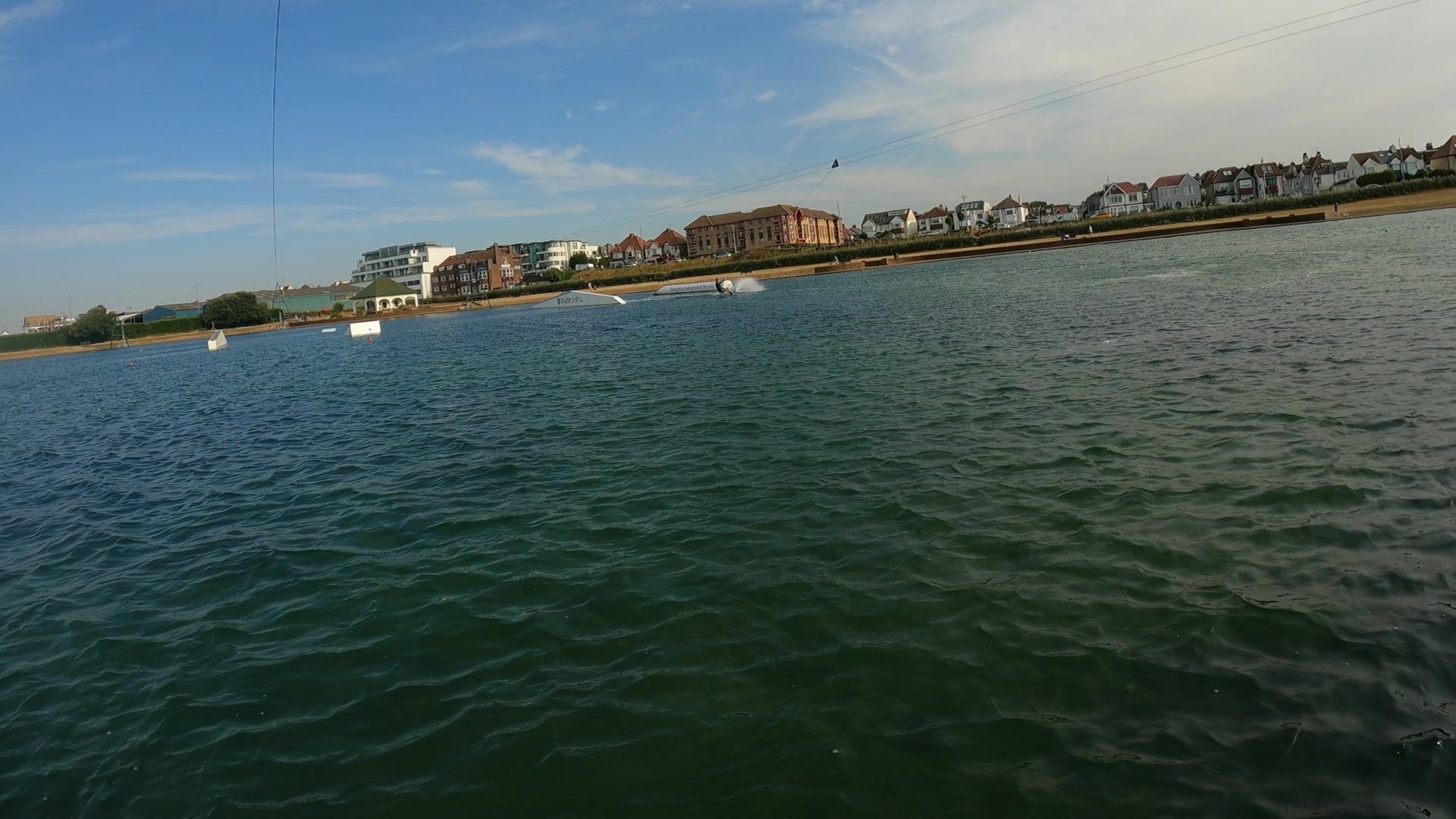
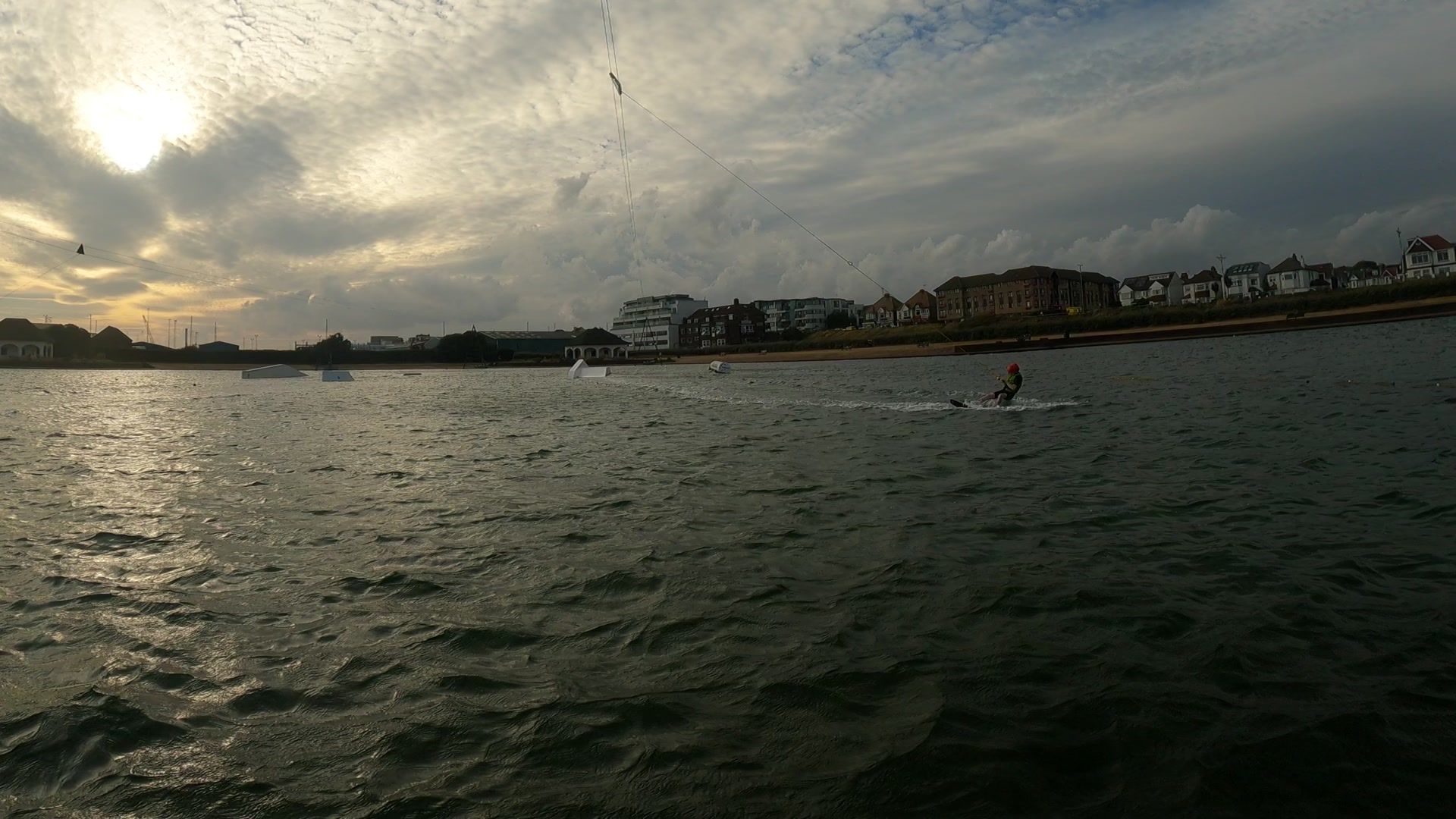
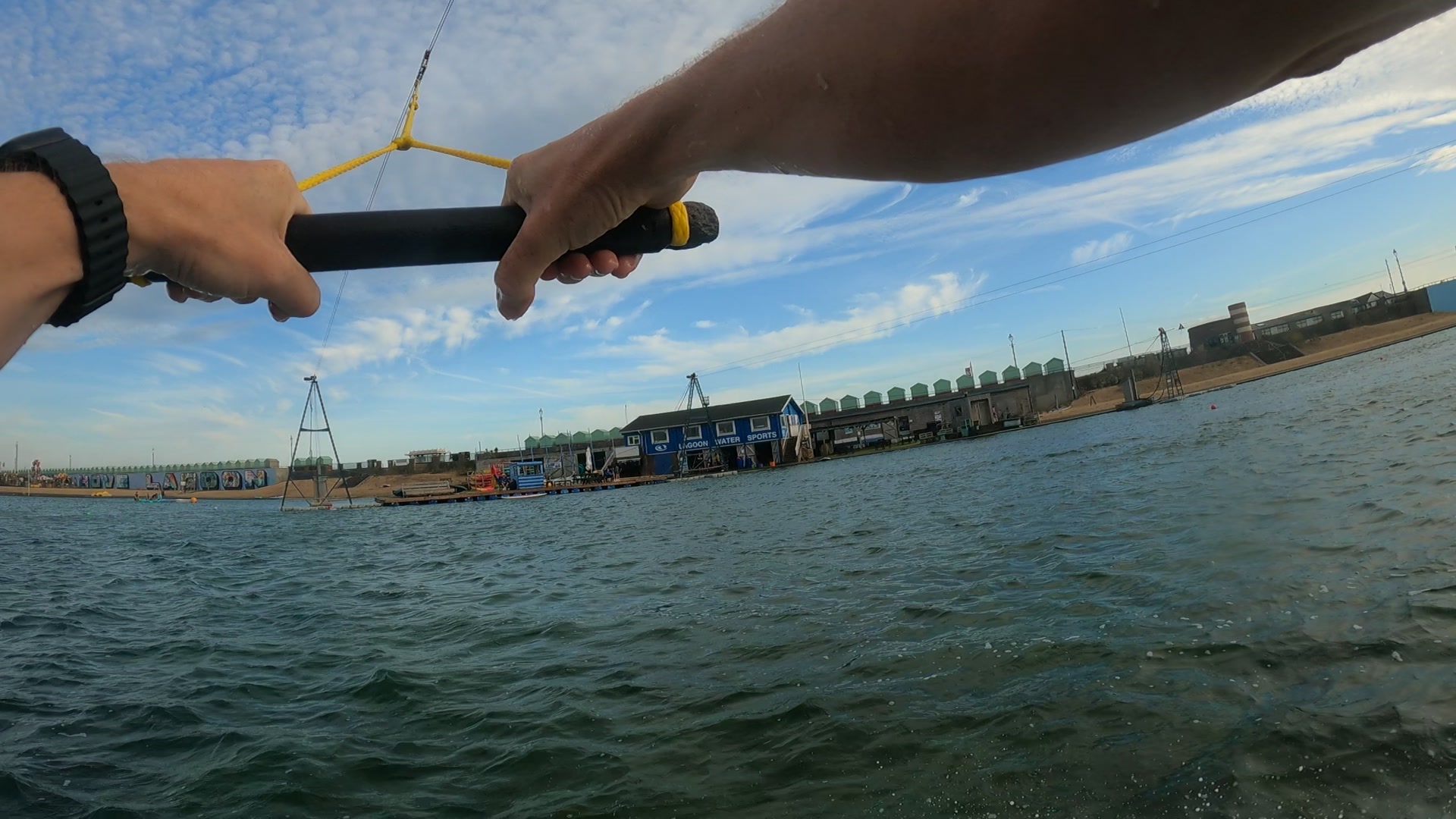
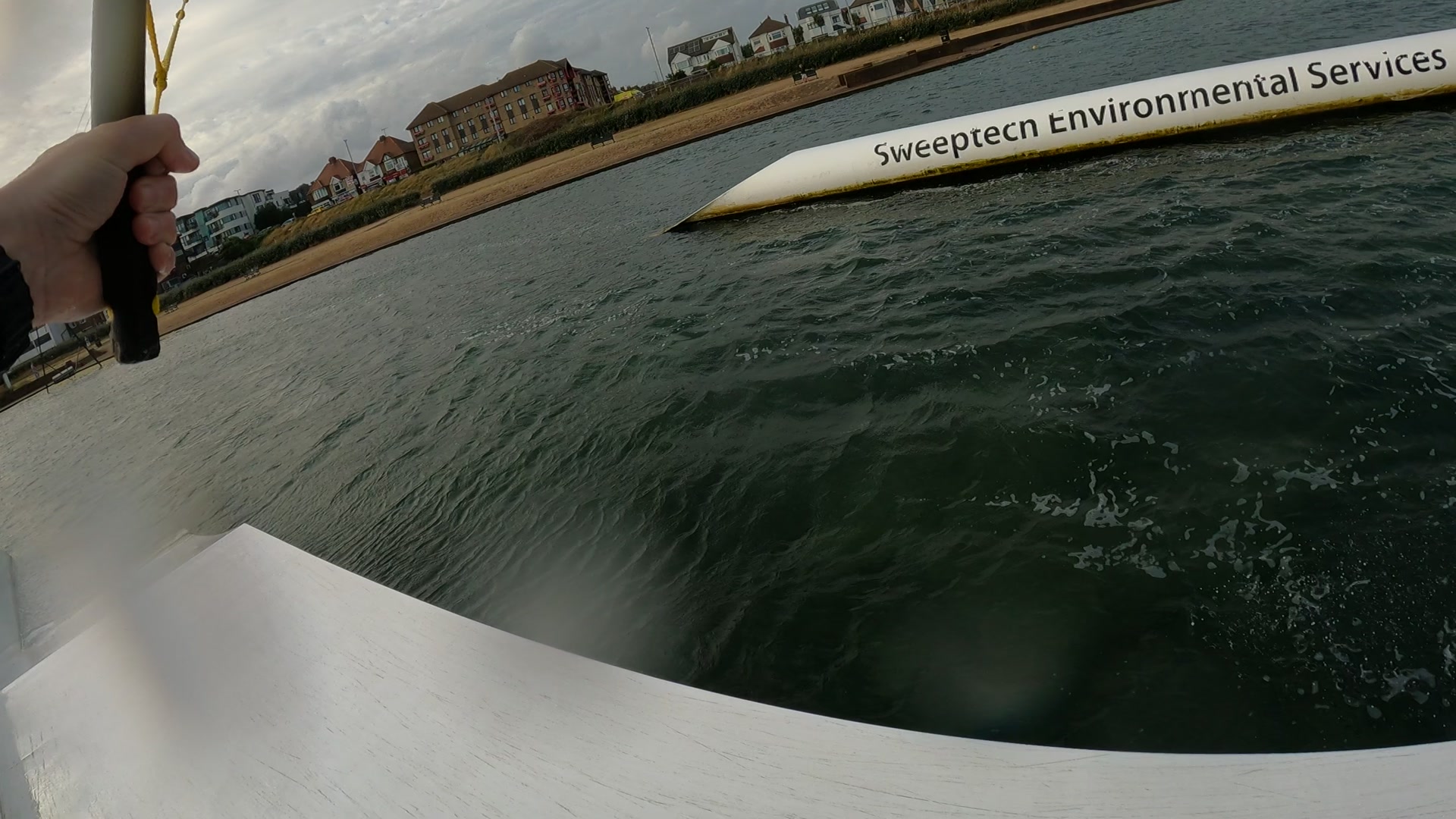
The sessions themselves are all up on YouTube if you’d rather watch the thing than read about it, and they all came out of the process above with the overlays and the dissolves done for me — the 15th, the 16th and the 18th, in that order.
Next job is getting the heart rate off the Polar and onto the same timeline, which should be reasonably straightforward given the GoPro already stamps everything with GPS time, assuming I remember to actually wear the thing.